Phone Ban in Schools from September 2026
About the ban in force since 1 September 2026, and what you can do today.
What's Changing?
Since 1 September 2026, a statutory ban applies in Polish primary schools on students using mobile phones and other devices that allow remote communication or recording images and sound – while at school in connection with classes and during classes held outside school (Act of 3 July 2026, Journal of Laws 2026, item 1036, in Polish). A detailed overview is in our article phone ban at school 2026 – what parents need to know.
Key points:
- The ban covers using a phone, not bringing it — children can keep their phone in their backpack, e.g. for the way to and from school (preschools are different: such devices may not even be brought in)
- Exceptions: a teacher's consent (e.g. for classes, checking knowledge or contacting a parent in an urgent situation) and the head teacher's consent for health reasons or special needs
- The school statute sets the details — e.g. rules on school trips; the head teacher may organise places to store phones, which must protect students' privacy
- Secondary schools set their own conditions or a ban in their statutes
Why This Ban?
- The Polish NASK study "Nastolatki 3.0" (2021) found that teenagers spend on average 4 hours 50 minutes a day online outside lessons, and 43.8% have experienced online violence (report, PDF, in Polish).
- UNESCO notes that a smartphone in class can distract — even just having a phone nearby with notifications draws attention away, and refocusing can take up to 20 minutes (UNESCO).
- According to the same source, by the end of 2024, 79 education systems worldwide (40%) had smartphone bans in schools in their laws or policies.
What Does This Mean for Parents?
The Problem:
- You want your child to have a phone for the commute to school (safety)
- You don't want them using it during lessons (you agree with the school)
- You don't want the school to be responsible for the phone (it could get lost in a locker)
The Solution: School Mode
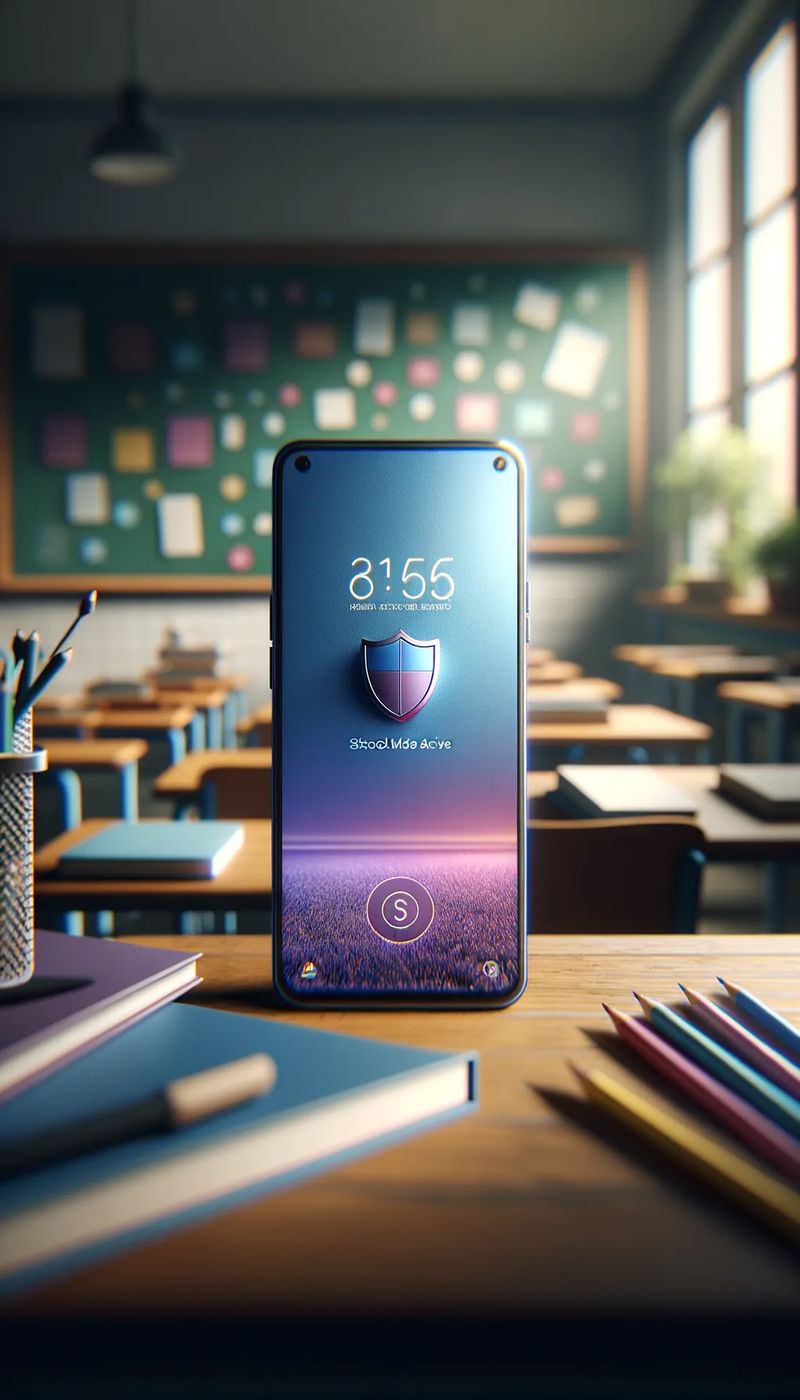
The phone stays with the child, but automatically locks when the child enters school. And automatically unlocks when they leave.
How Does School Mode Work in MichalKids?
- GPS Geofence — a virtual zone around the school. When the phone detects it's inside — it activates School Mode automatically.
- Screen lock — the phone locks. The child cannot open any app. The screen shows a calm message tailored to the child's age.
- SOS always available — one tap sends an alert to the parent with the child's location.
- Smart detection — MichalKids analyzes the child's location patterns and suggests a school schedule. The parent confirms with one tap.
- 4 age groups — interface adapted to age:
- Kids (6-9): colorful, friendly icons
- Tween (10-12): calmer design
- Teen (13-15): minimalist, dark theme
- Mature (16-18): discreet
Why Free?
School Mode is free, forever. Even on the free plan.
Because a child's safety at school is a BASIC need, not a luxury. Making parents pay for a feature that helps them follow the law would be unfair.
How to Prepare?
Step 1: Install MichalKids
Download from Google Play. Create a parent account and pair your child's phone — the whole process takes about 5 minutes.
Step 2: Add the School Zone
In the parent app: Safe Zones → Add new → Search for the school by name or draw on the map.
Step 3: Enable School Mode
Toggle School Mode on the school zone. Done.
Step 4: Set a Schedule
Optionally add lesson hours. Or wait for smart detection suggestions.
Step 5: Test with Your Child
Walk into the school zone together and check that School Mode activates and SOS works. Full setup guide with illustrations.
Coming Soon
We're working on more School Mode improvements:
- SOS with phone call — an SOS button that automatically calls the parent, even without internet connection
- Full device lockdown (DPC) — advanced kiosk mode with system-level Android protection
- iPhone version — the MichalKids app is currently being reviewed by Apple (App Store Review)
- Indoor geofencing — recognizing the school's WiFi network as an additional location signal (where GPS can't reach)
- Automatic schedule-based activation — School Mode turns on and off exactly according to the timetable
This section will be updated as each new feature is deployed.
FAQ
Can the child disable School Mode? No. It requires the parent's PIN.
What if the school has no GPS signal? GPS geofencing works via satellites — it doesn't require internet to activate. We're working on WiFi network detection as an additional safeguard.
Is this GDPR compliant? Yes. Who the data controller is, for what purpose we process data and to whom we transfer it, is described in our privacy policy.
Guardian, not spy. School Mode is a safety tool — not a punishment for having a phone.
Sources:
- Act of 3 July 2026 amending the Education Law (Journal of Laws 2026, item 1036) (in Polish) — Art. 98a–98d and 102a: ban from 1.09.2026, exceptions, statute, storage, preschools
- NASK — Nastolatki 3.0 (2021, PDF, in Polish) — time online (p. 6), experience of online violence
- UNESCO — To ban or not to ban? (updated 24.01.2025) — smartphone distraction; 79 education systems (40%) with bans by end of 2024
- MichalKids privacy policy